




Latest Version
NmsCo.
Education
Windows
Free
9nz2fz4sjn7z
Report a Problem
More About Nms Kontho Keyboard
A Smarter Way to Type on Windows
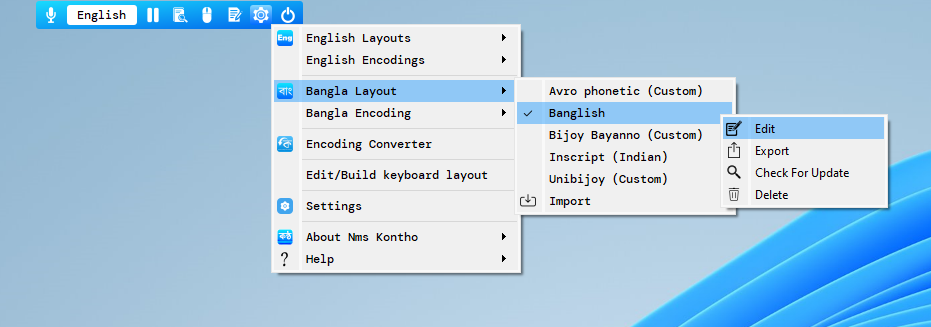
Finding a typing utility that balances flexibility, speed, and standard layout options can be a challenge. The Nms Kontho Keyboard typing software addresses this by merging the most effective features of leading typing tools into a single, cohesive desktop program. Developed by NmsCo., this lightweight utility aims to simplify the desktop writing experience for users who require precise input control without switching between multiple background services.
Consolidated Input Features for Maximum Efficiency
Unlike standalone keyboard layouts that force you to adapt to rigid structures, the Nms Kontho Keyboard typing software adapts to your workflow. By consolidating standard input configurations, it eliminates the need to run several background processes simultaneously. This not only saves valuable system memory on your Windows device but also ensures a smoother, lag-free transition when switching between different character sets or input methods.
Key Benefits of Using Nms Kontho Keyboard
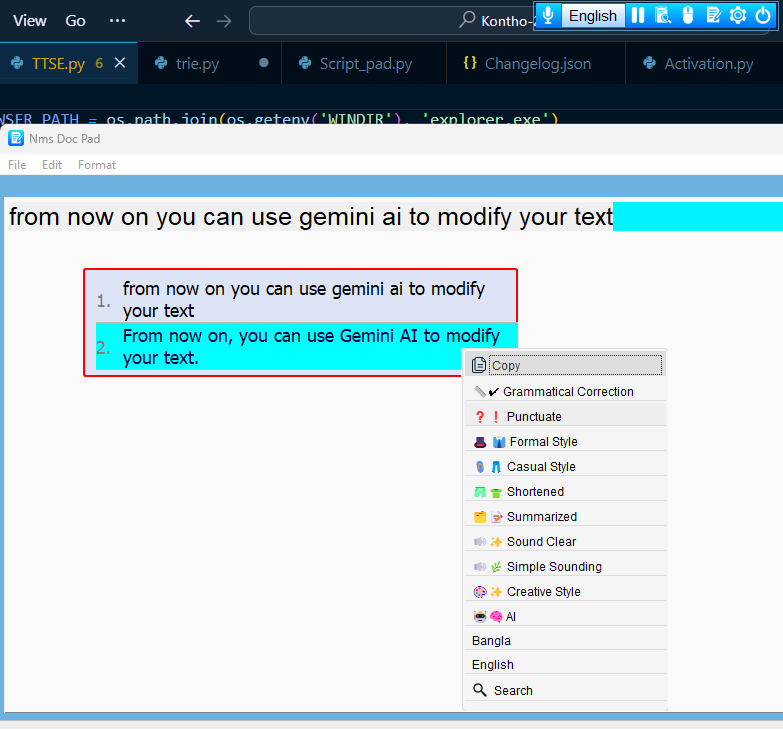
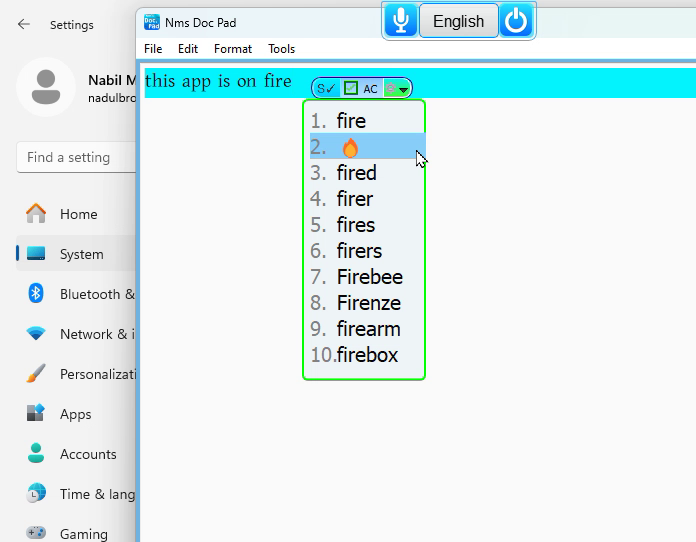
- Unified Interface: Access the core functionalities of multiple popular input programs from a single, streamlined layout.
- Optimized Performance: Built natively for the Windows platform, ensuring low system resource consumption and responsive tactile feedback.
- Simplified Workflow: Ideal for educational purposes, content creation, and everyday document formatting where diverse typing inputs are required.
Who Is This Windows Utility For?
This software is a versatile choice for students, educators, and professionals working within the education category. If you frequently toggle between different typing tools to access specific layout benefits, this unified solution provides a centralized alternative. It minimizes setup friction, allowing you to focus on your writing rather than troubleshooting keyboard compatibility issues.
Our Final Verdict
The Nms Kontho Keyboard typing software is a practical tool for anyone looking to declutter their Windows input setup. By packaging the standout features of traditional typing software into one reliable package, NmsCo. has created a highly functional utility that boosts typing productivity. To explore this tool further and add it to your Windows system, visit the official Microsoft Store today.
Rate the App
User Reviews











Popular Apps










Editor's Choice