Latest Version
Crelip Network
Education
Windows
Free
9nw2jcxv8s67
Report a Problem
More About Free Typing Test - Free and Offline
Boost Your Keyboard Performance with the Free Typing Test App
In our modern digital landscape, keyboard dexterity is more than just a convenient skill—it is a vital pillar of professional productivity. The Free Typing Test - Free and Offline application by Crelip Network offers a practical, no-nonsense desktop solution designed specifically for Windows users who want to accelerate their typing speed and accuracy without the need for constant internet connectivity.
Practical Exercises for Real-World Typing Mastery
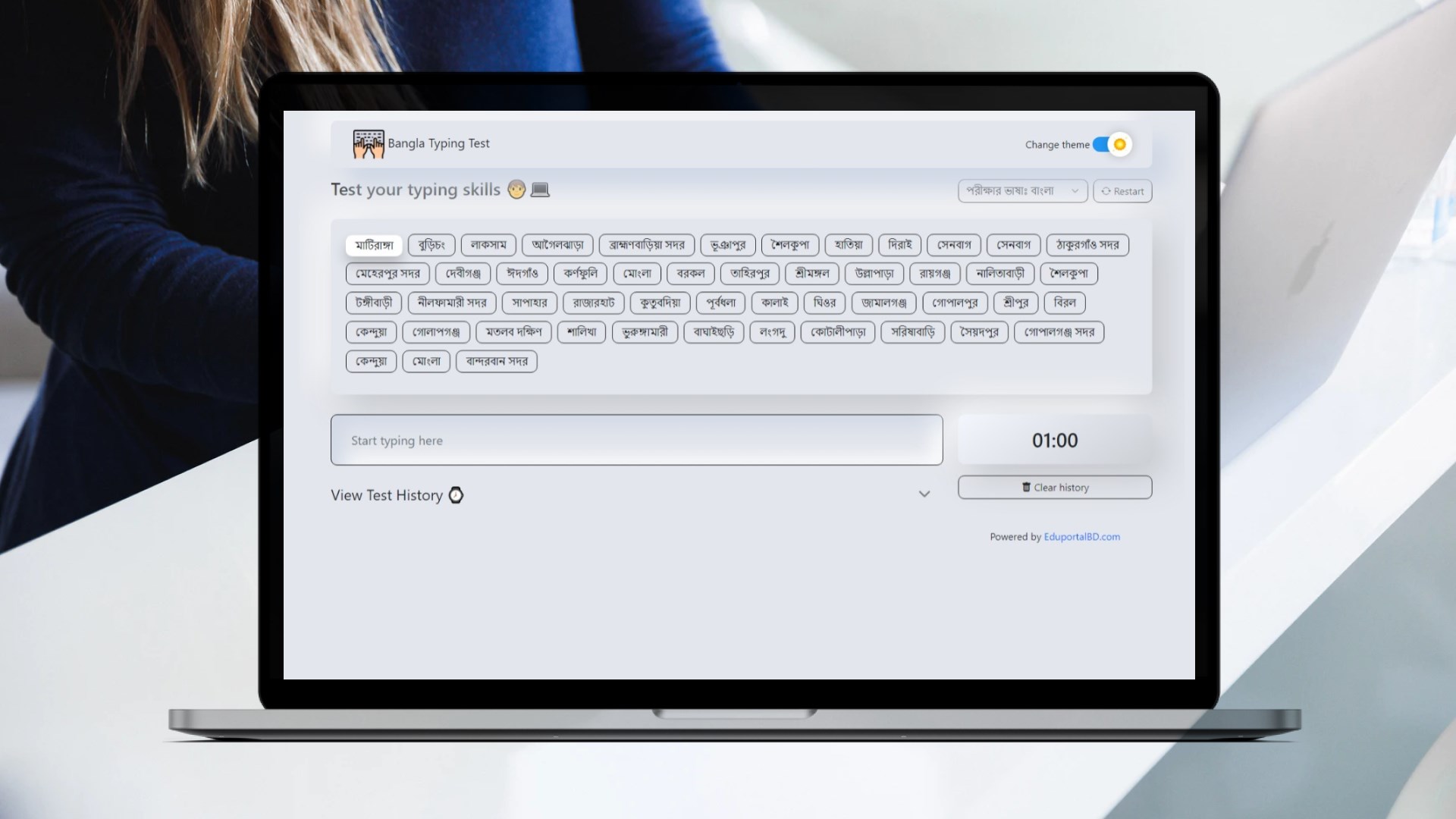
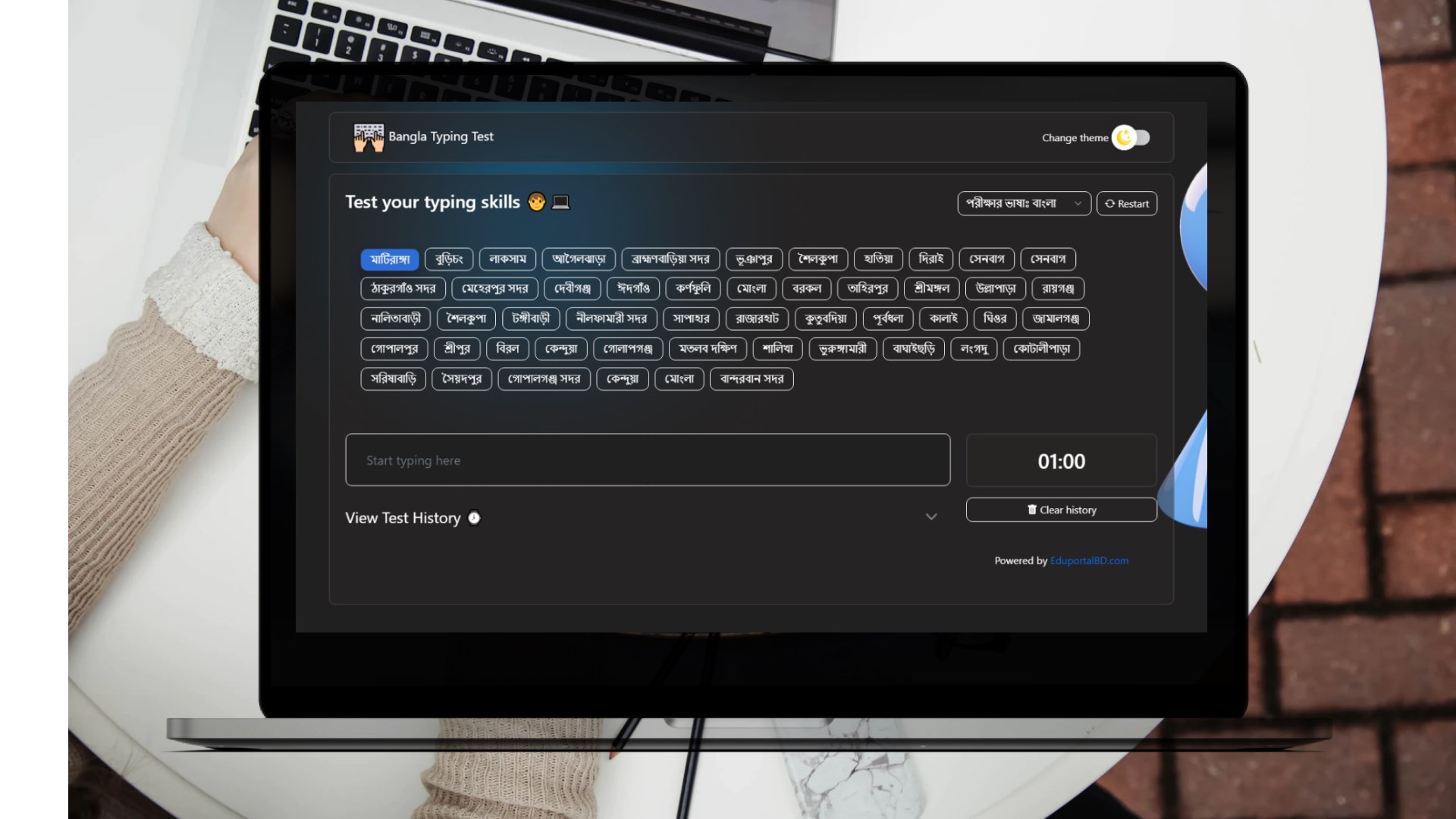
Unlike web-based tools that require constant bandwidth, this application functions entirely on your local machine. Once you complete the initial launch, you can access all features offline. The core training centers around rapid, 60-second typing assessments that let you immediately gauge your current performance. As you type, the software displays live metrics, showing your words-per-minute (WPM) speed, real-time accuracy percentages, and immediate error highlighting so you can correct mistakes on the fly.
Key Features of Free Typing Test - Free and Offline
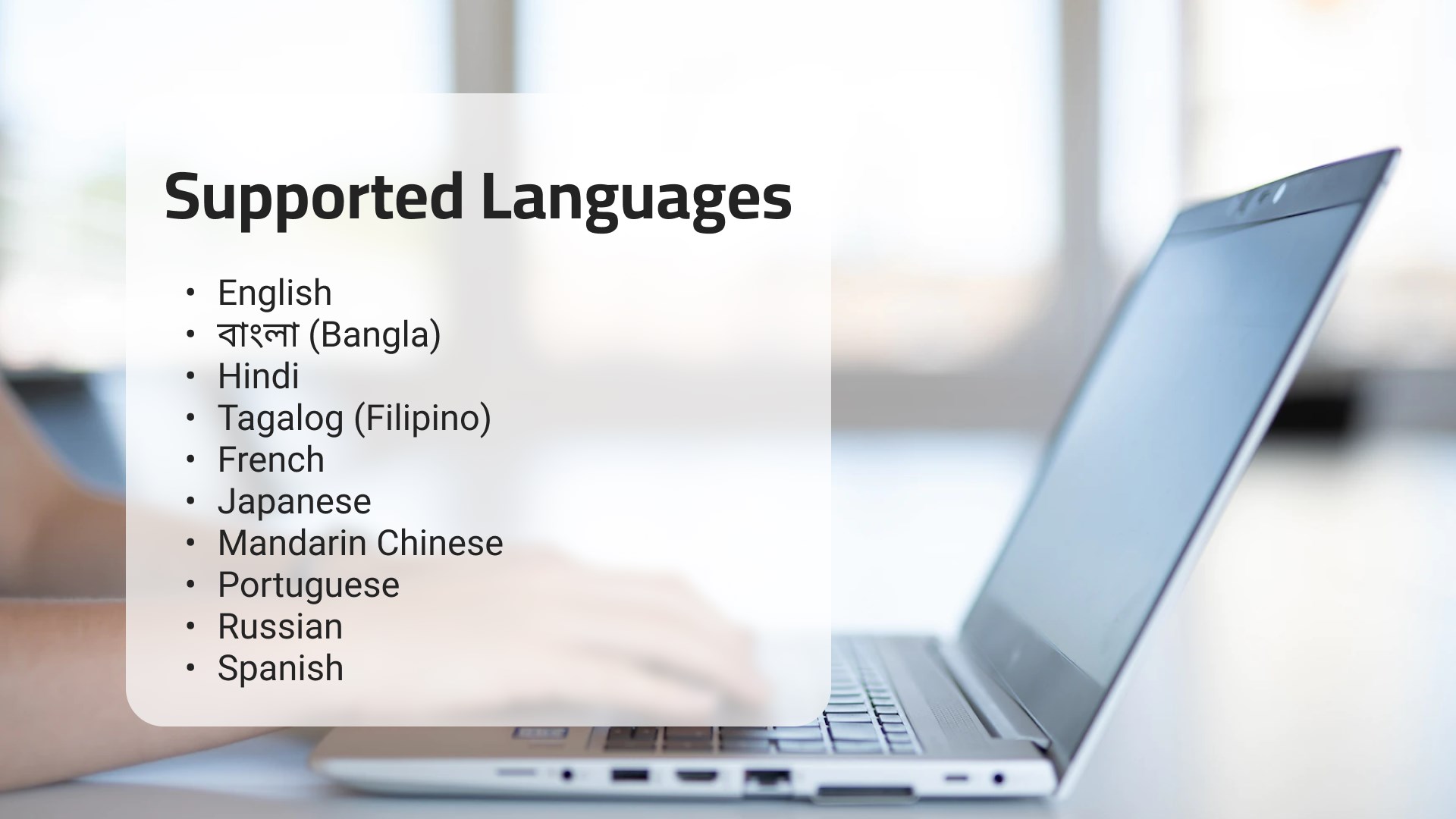
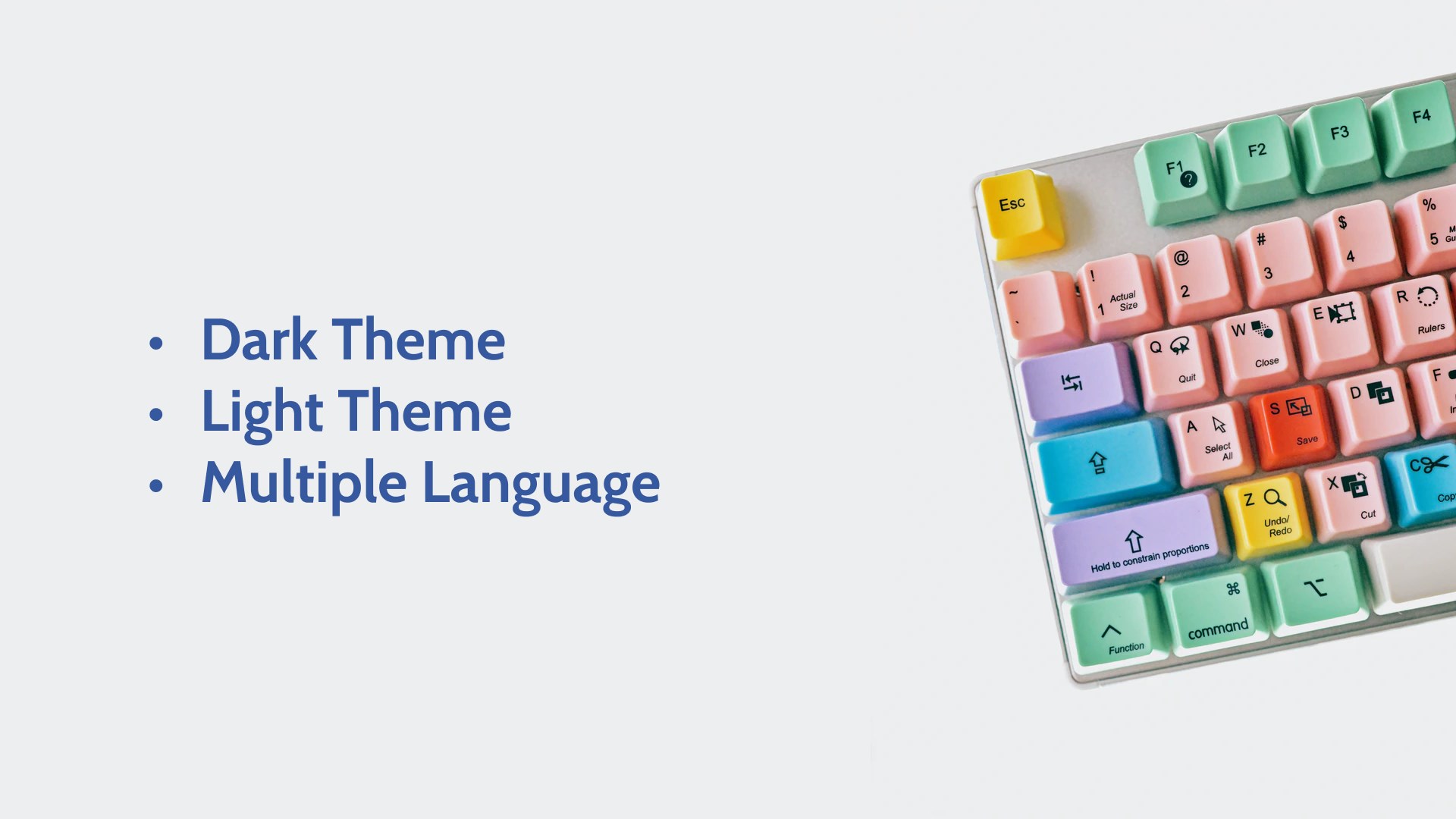
- Multi-Language Support: Practice typing in over ten languages, including English, Bangla, Hindi, Tagalog, French, Japanese, Mandarin Chinese, Portuguese, Russian, and Spanish.
- Complete Data Privacy: Because the application runs entirely offline, your typing data and progress metrics remain private on your personal device.
- Built-in Progress Tracking: Monitor your improvement over time with visual performance charts, detailed achievement reports, and motivational milestones.
- Comfortable Visual Design: An integrated dark mode reduces eye strain during late-night practice sessions.
Who is this Typing Tool For?
This software is highly recommended for students, administrative professionals, and programmers who need to improve their accuracy across different keyboard layouts. Since it supports diverse languages like Hindi, Bangla, and Japanese, it is particularly useful for multilingual professionals who frequently switch between different scripts. The offline capability also makes it an excellent choice for users with limited internet access or those working on secure, offline computers.
Our Editorial Verdict
By removing the distractions of online platforms, the Free Typing Test - Free and Offline tool provides a highly focused, secure environment for keyboard practice. It delivers clean, immediate feedback that is essential for building muscle memory. If you are ready to elevate your typing accuracy on Windows, head over to the official Microsoft Store to download the application and start your training.
Rate the App
User Reviews











Popular Apps










Editor's Choice