

Latest Version
Scott Ostler
Mac
$2.99
1166066070
Report a Problem
More About Bumpr
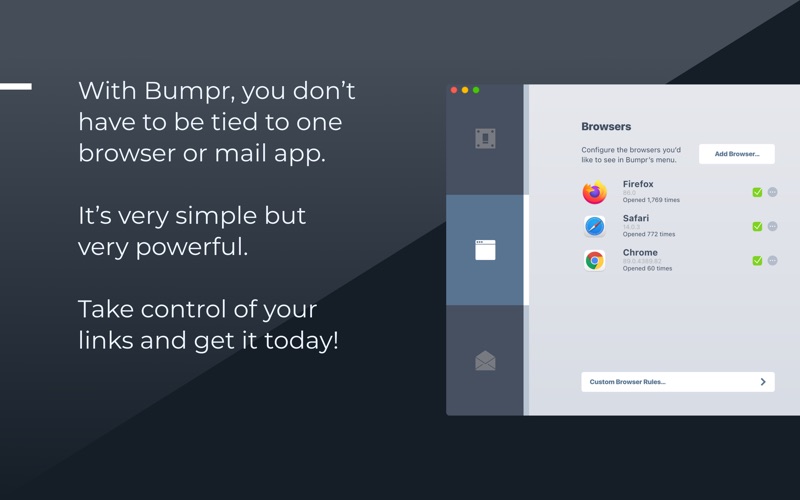
Managing multiple web browsers and email clients on macOS can quickly become a chaotic experience, but Bumpr browser and email routing utility offers an elegant, streamlined solution. Rather than forcing you to designate a single, permanent default browser for every single link you click, this clever utility intercepts your clicks and presents a minimalist menu of your installed browsers. Created by developer Scott Ostler, it is designed specifically for professionals and power users who need to navigate multiple digital environments simultaneously.
How Bumpr Browser and Email Routing Utility Transforms Your Workflow
For many professionals, the boundary between work and personal tasks is highly segmented. You might use Safari for personal browsing, Chrome for work-related Google accounts, and Brave or Arc for research and development. Normally, clicking a link in an email or document forces it open in whatever browser is currently set as the system default.
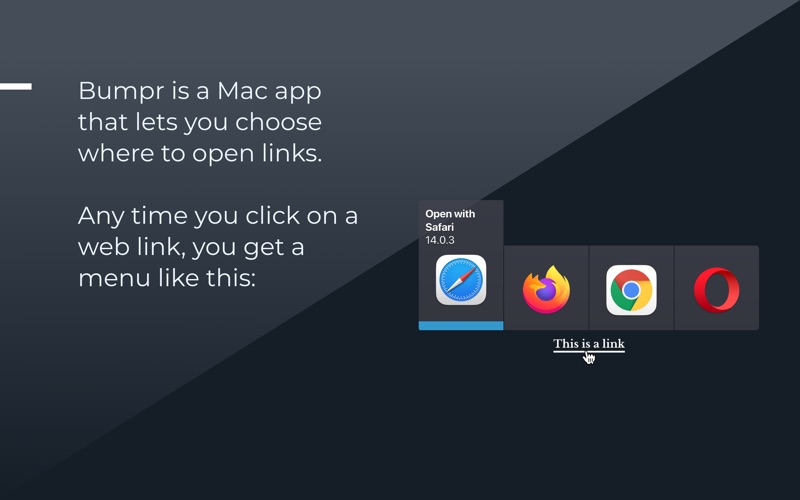
With this utility, that friction disappears. When you click a link, a compact, visually appealing menu pops up right at your cursor, allowing you to select the exact destination browser with a single click. It gets out of your way instantly, maintaining your momentum without cluttering your screen.
Smart Email Handling and Extensions
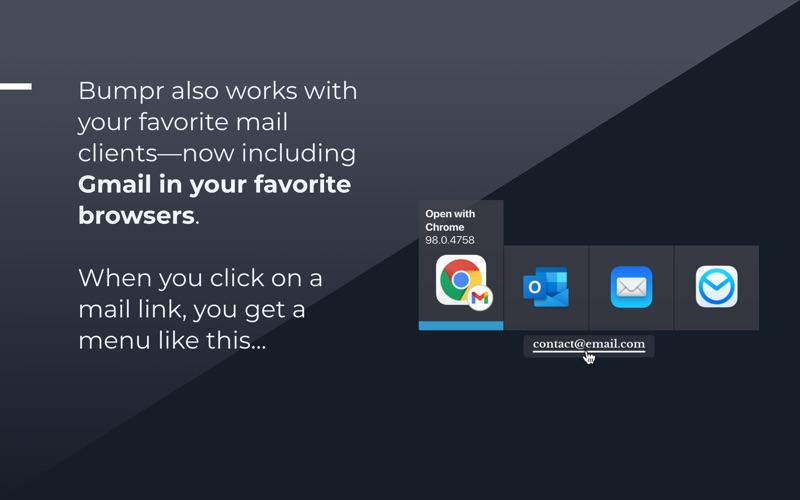
The utility is not limited strictly to web links. It handles mailto: links with the same level of flexibility. If you manage various email profiles across different applications or web-based clients, it allows you to route mail links directly to your preferred email app or open them straight inside Gmail within your favorite browser.
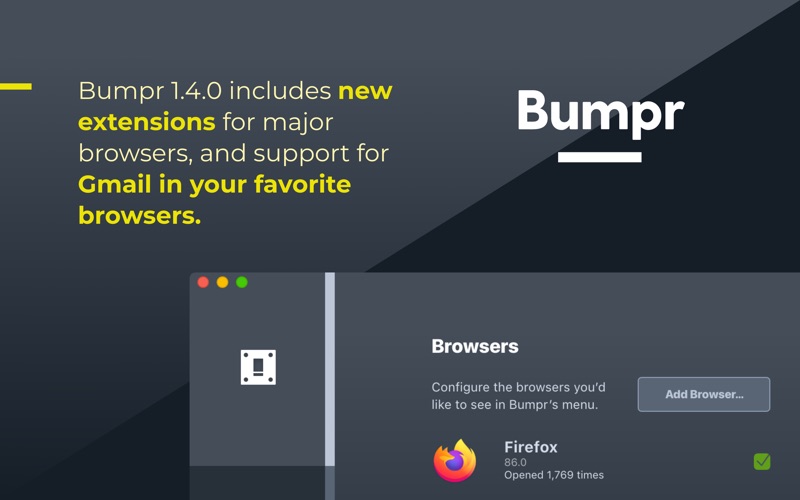
To make the experience even more cohesive, companion browser extensions are available for major platforms including Safari, Chrome, Firefox, Opera, and Edge. These extensions allow you to trigger the routing menu simply by right-clicking links inside your active browser sessions.
Who Is This Tool For?
- Web Developers & Designers: Easily test live links and layouts across different rendering engines like Safari and Chrome without copying and pasting URLs.
- Multi-Account Managers: Keep your corporate Google accounts completely isolated from your personal profiles by opening links in dedicated browser environments.
- Tech Enthusiasts: Safely test newer browsers like Arc or Brave alongside your established setups.
A Simple, No-Fuss Productivity Upgrade
By eliminating the constant need to copy, paste, and shift between windows, this tool introduces a surprising amount of ease into your daily macOS routine. It is a lightweight, single-purpose utility that executes its job flawlessly without system bloat.
If you are ready to take control of your links and customize your desktop workflow, you can find more details and purchase the app directly on the Official Mac App Store.
Rate the App
User Reviews
Other Apps in This Category



Popular Apps










Editor's Choice